Meet Tatship. Make room for a more considered tattoo.
What Tatship does, which tattoo planning tools to start with, and where a digital preview fits alongside an artist’s design and placement decisions.
 A little perspective, before the ink.
Make the idea feel real.
Start with an idea you love
Give the idea some context
Make a clearer artist brief
In this guide
What is Tatship useful for?
Tatship brings tattoo planning tools together: try a design on a body photo, explore design ideas, work from a reference image, and experiment with lettering. It is useful for turning a vague idea into a clearer conversation with an artist. It does not replace an artist’s judgment about tattooing the design.
Start with the tool that matches your next decision.
Bring your own artwork or develop a reference.
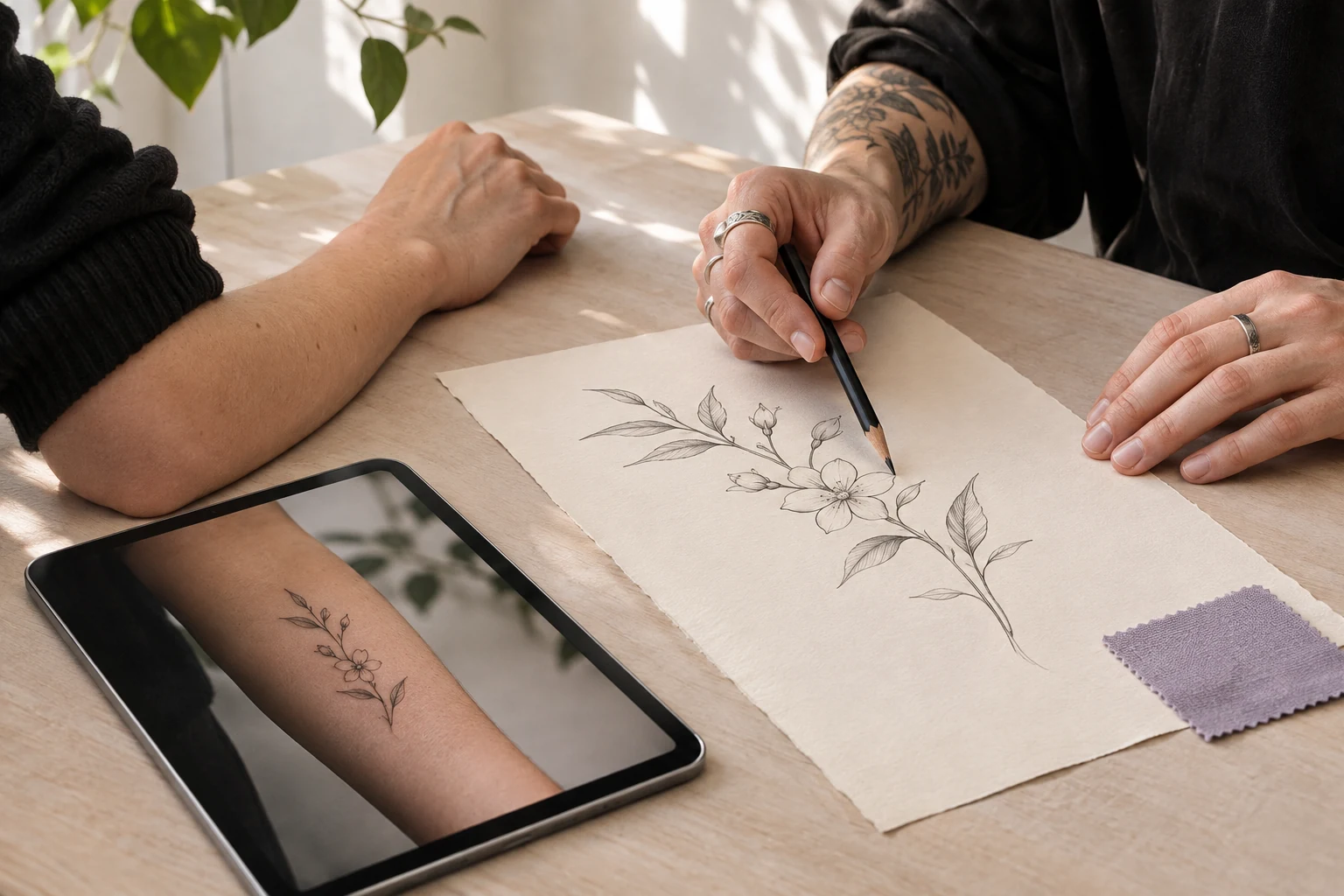
Take a clearer brief into the artist conversation.
Start with the decision in front of you
Tattoo planning rarely begins with a complete design. You may have a saved image, a phrase, a rough sketch, or a placement you like but cannot visualize. Tatship’s tools provide different starting points for those situations.
The useful question is not “How many features can I use?” It is “What do I need to decide next?” Choose one task, make a reference you can discuss, and involve your artist before turning that reference into a permanent piece.
See a design on your own body photo
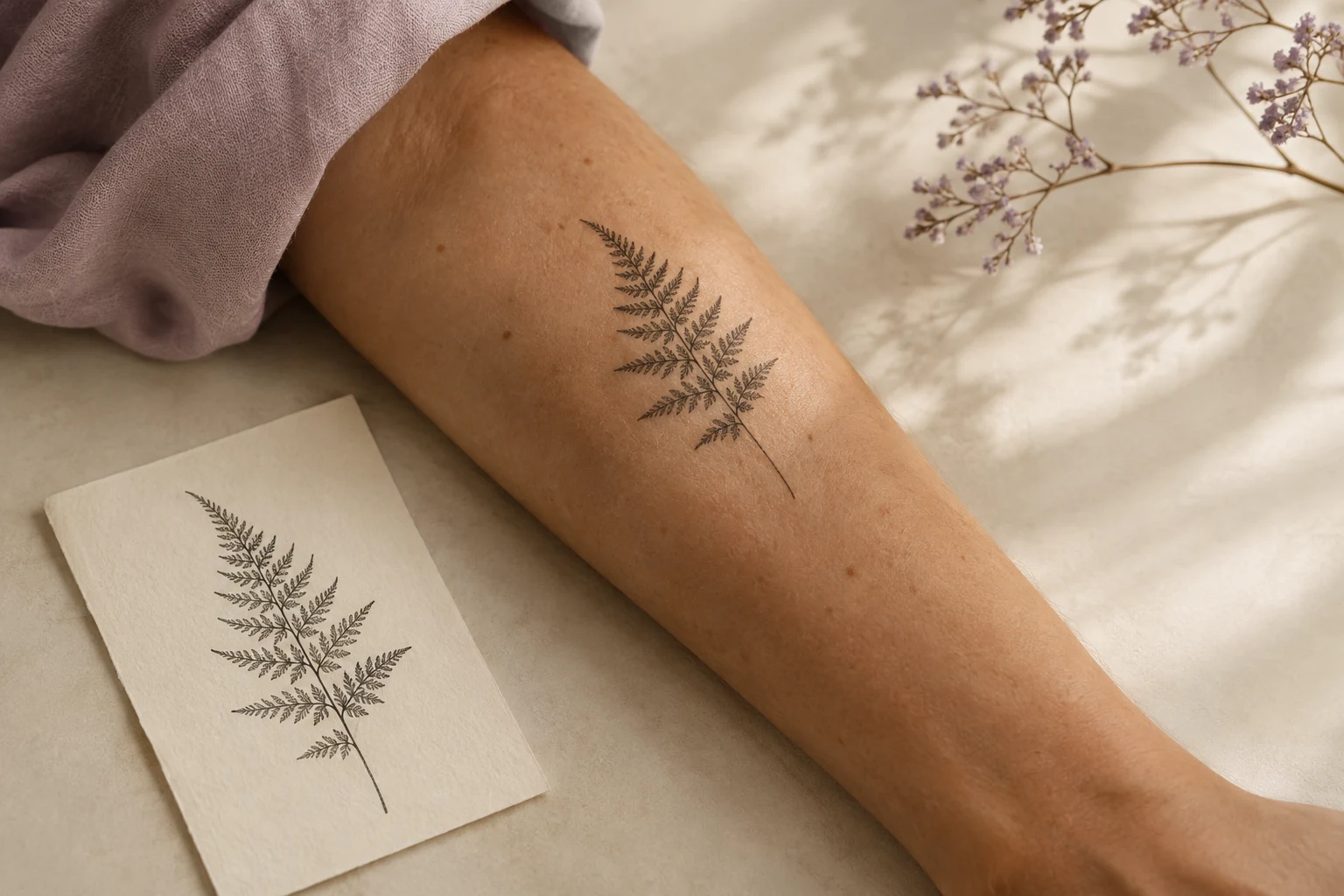
Tattoo try-on helps you explore how artwork relates to a placement area. A body-photo preview can make an abstract discussion about position or proportion more concrete.
Start with a clear image and compare a few options. If you want to explore another surface, use another photo. The preview is a simulation, not a prediction of healed ink or an exact physical measurement. Our own-photo guide explains how to make the comparison useful.
Develop an idea into a reference
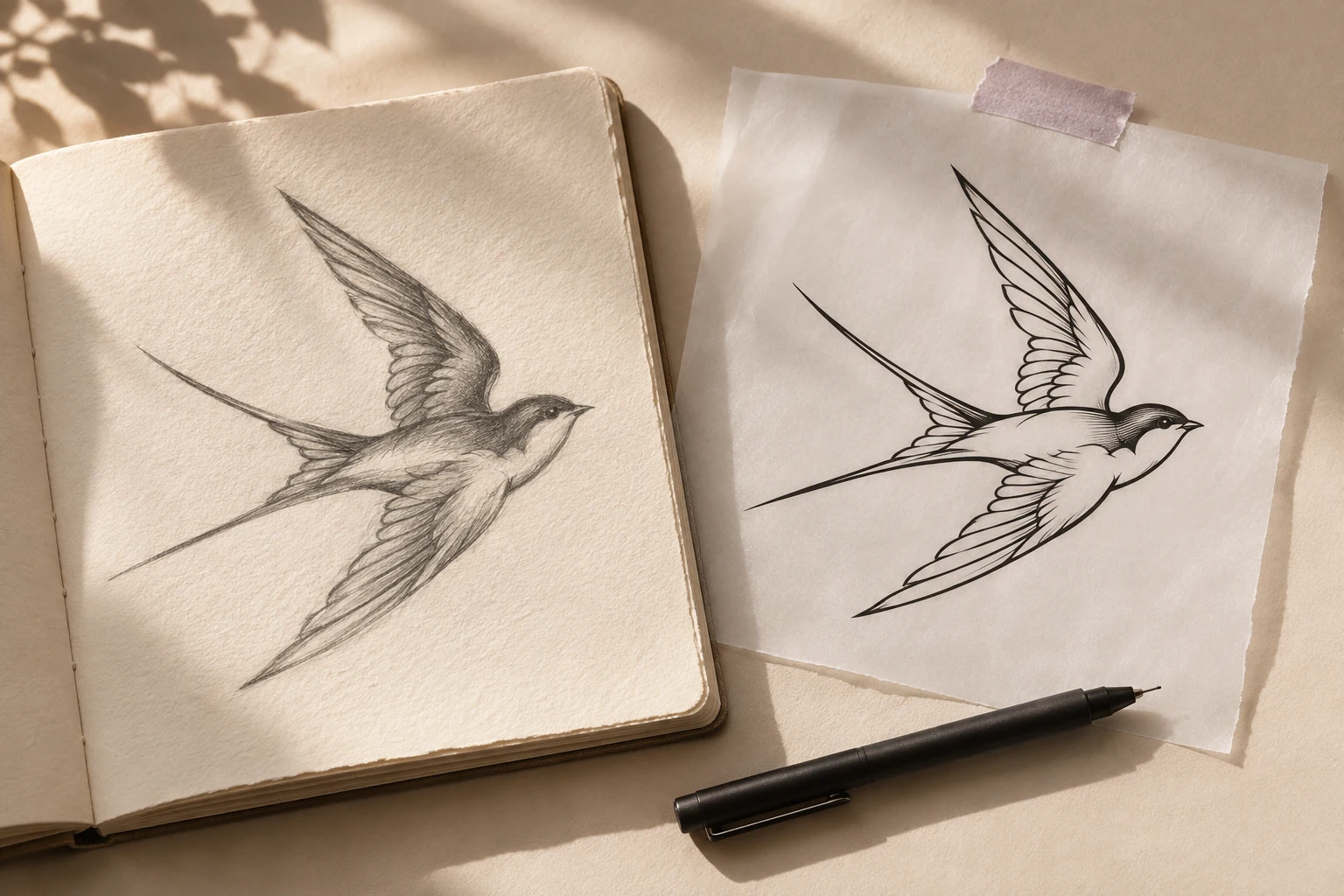
If you are starting with an idea rather than finished artwork, Tatship’s design tools let you explore a visual direction. Generated concepts can help you explain a preference, but they need review: check the composition, details, and whether the result actually reflects what you asked for.
An artist may choose to redraw or substantially change the concept. That is a normal part of turning a planning reference into a design suited to a person, a placement, and a tattoo style.
Work from a photo or drawing
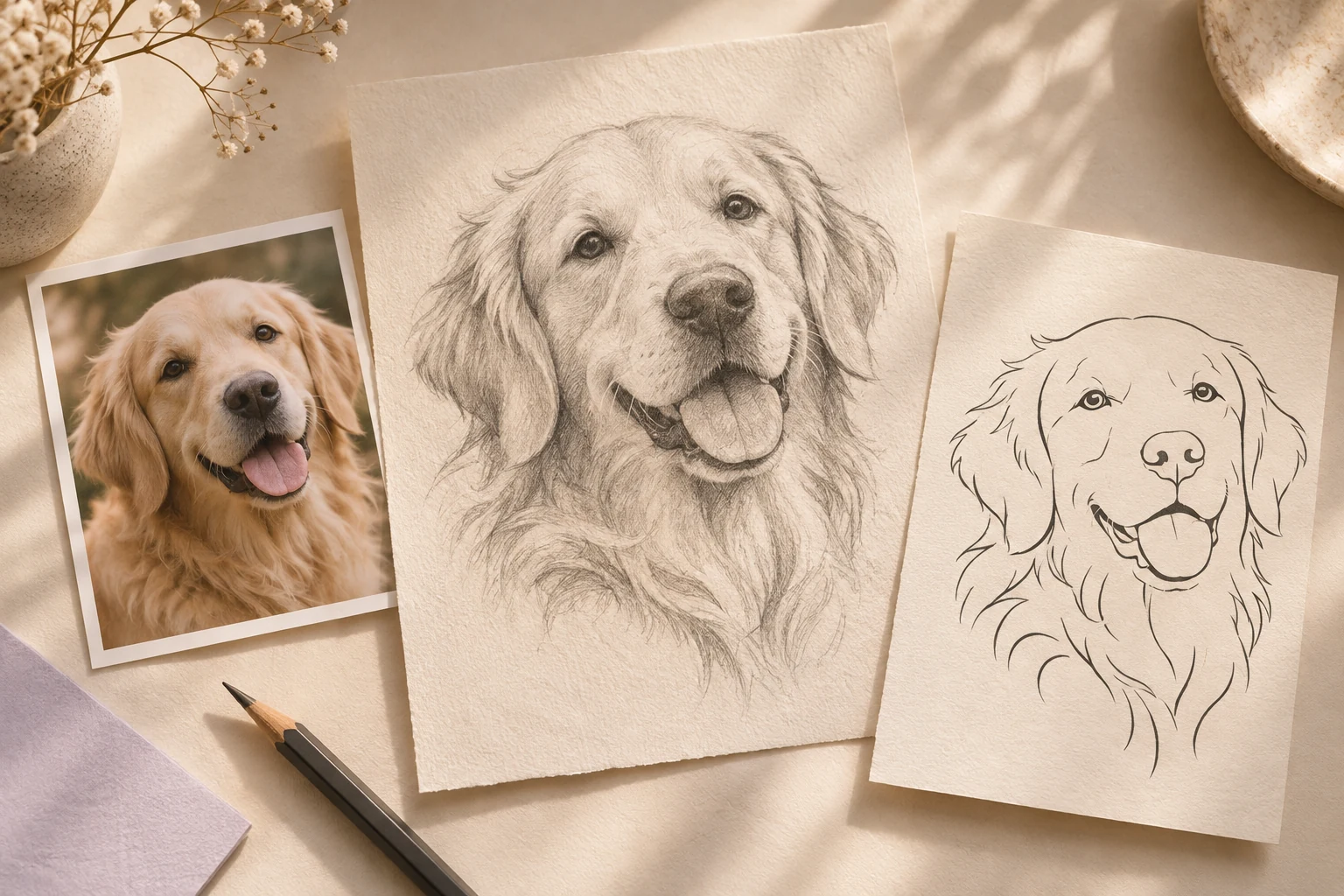
Photo-to-tattoo conversion provides a starting point when you already have an image. You might explore a simplified pet portrait or a cleaner version of a sketch.
Keep the original alongside the converted result. Processing can change a detail, and a neat outline is not automatically a final stencil. The pet portrait guide and sketch guide show what to inspect before sending a reference to your artist.
Explore lettering as part of the composition
Use the tattoo font tool to explore a lettering direction. Compare the actual word or phrase you want, rather than judging only a sample alphabet. Check every character, spelling, and orientation yourself.
Bring the chosen direction to your artist. Letter spacing, scale, and the relationship between lettering and other artwork still need deliberate design decisions.
Give your artist a clearer brief
| Your starting point | A useful next step | What to bring to the artist |
|---|---|---|
| A design you already like | Preview its placement | Artwork, chosen preview, size notes |
| A pet photograph | Explore a simplified reference | Original photo and preferred style direction |
| Your own sketch | Compare a cleaned version | Original drawing and marked changes |
| A word or phrase | Explore lettering | Correct text and preferred letter style |
| An undecided client | Separate design and placement decisions | A labeled visual brief and open questions |
For studios, Tatship for artists describes using exported previews in the client conversation. The approval workflow offers a practical way to keep artwork, placement, and size decisions separate.
What to check before you begin
Review current pricing and the offer in the web or mobile experience you will use. Included features, trial eligibility, and purchase terms can differ, so this overview does not promise a fixed free period or unlimited access.
Read the privacy policy before using a personal body photo. Some image processing takes place remotely. Use an image you have permission to use and keep the final reference in the communication channel you and your artist have agreed on.
Tatship’s role is to help make the next decision easier to discuss. The artist’s role remains essential: developing the final artwork, judging its suitability for the placement, preparing the stencil, and tattooing the piece.
Written by the Tatship editorial team. Product illustrations are conceptual; use the current product and pricing pages to check available features and offers.